SOPA - Tale of the Stolen Potato
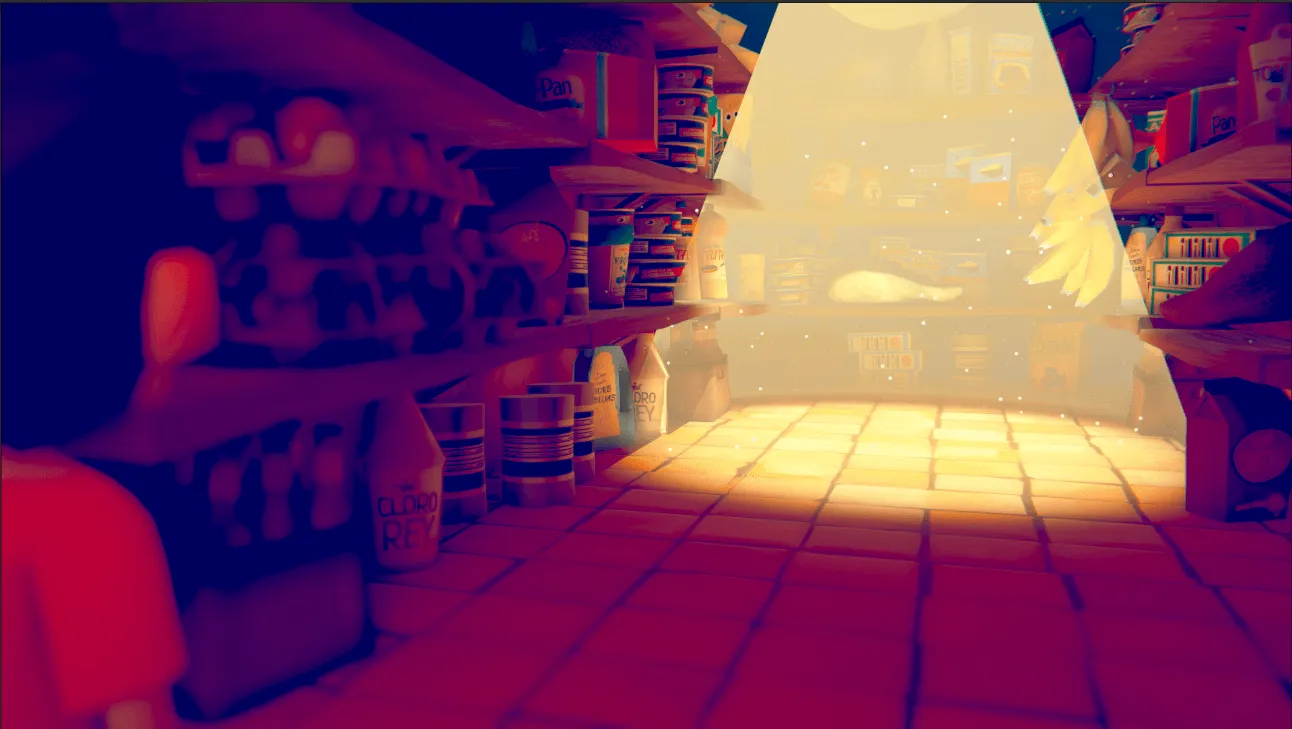
When Miho steps into the pantry to get a potato for his grandmothers' soup,
he's pulled into a world of magical realism.


When Miho steps into the pantry to get a potato for his grandmothers' soup,
he's pulled into a world of magical realism.
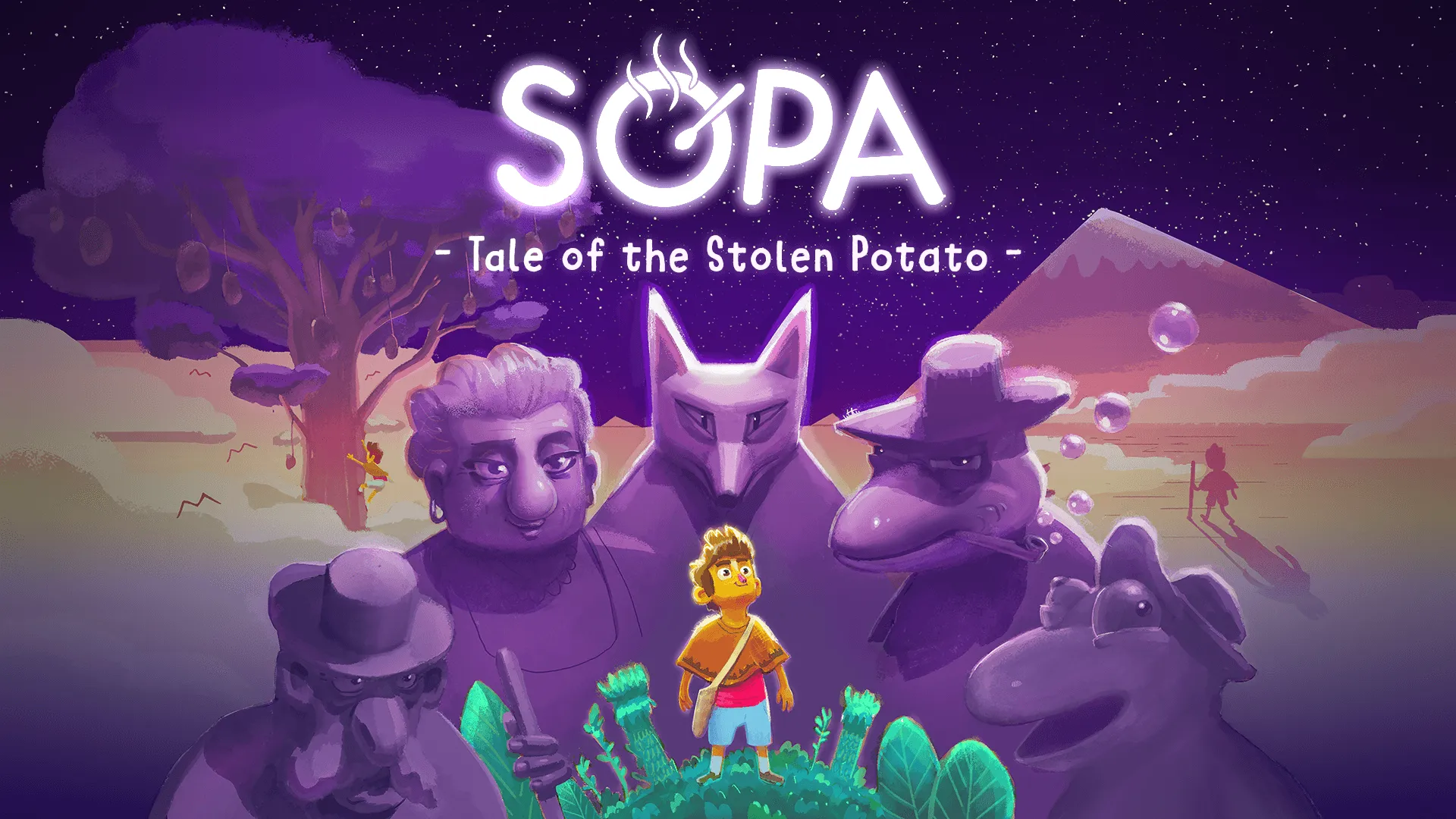
About the game
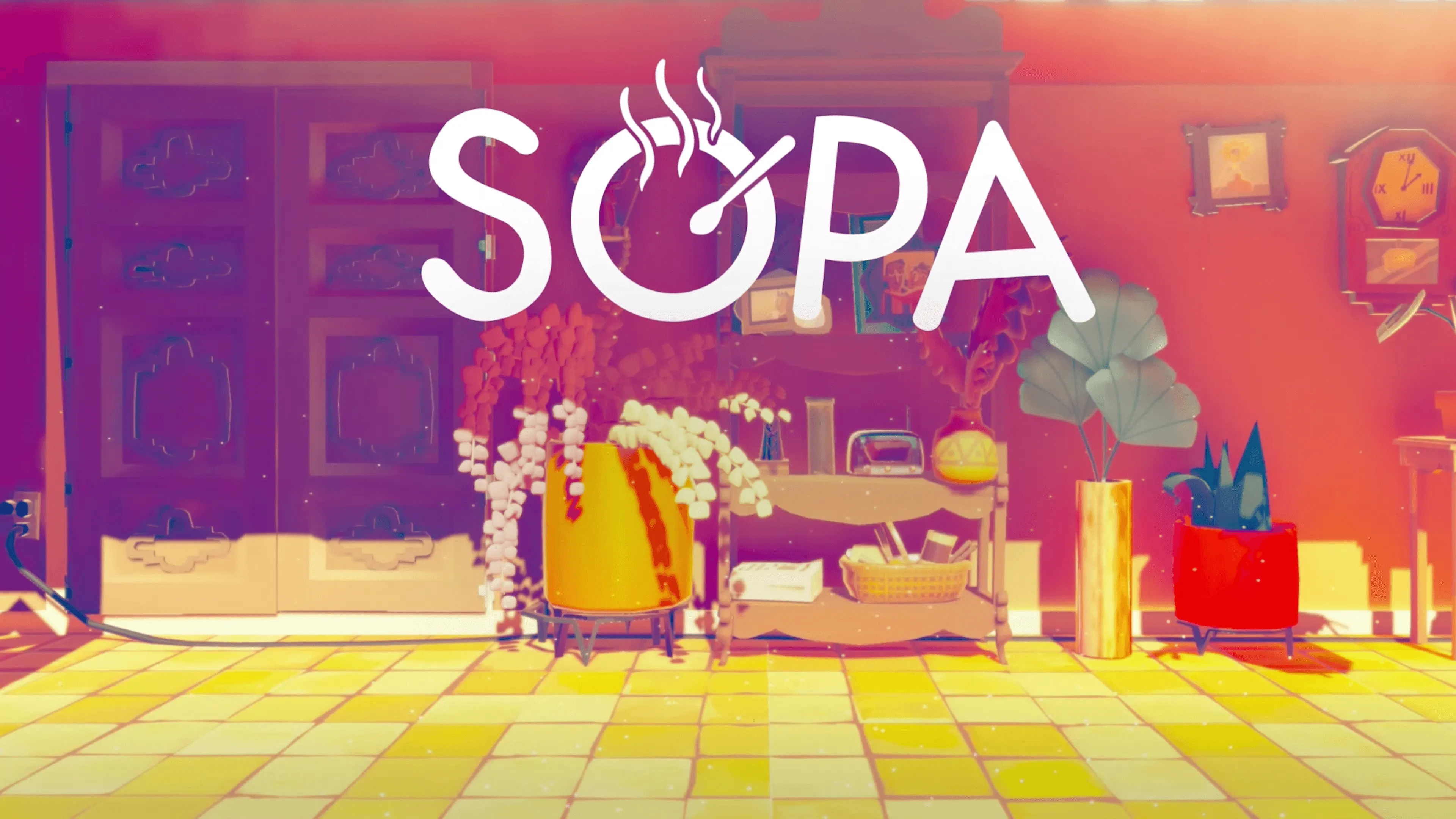
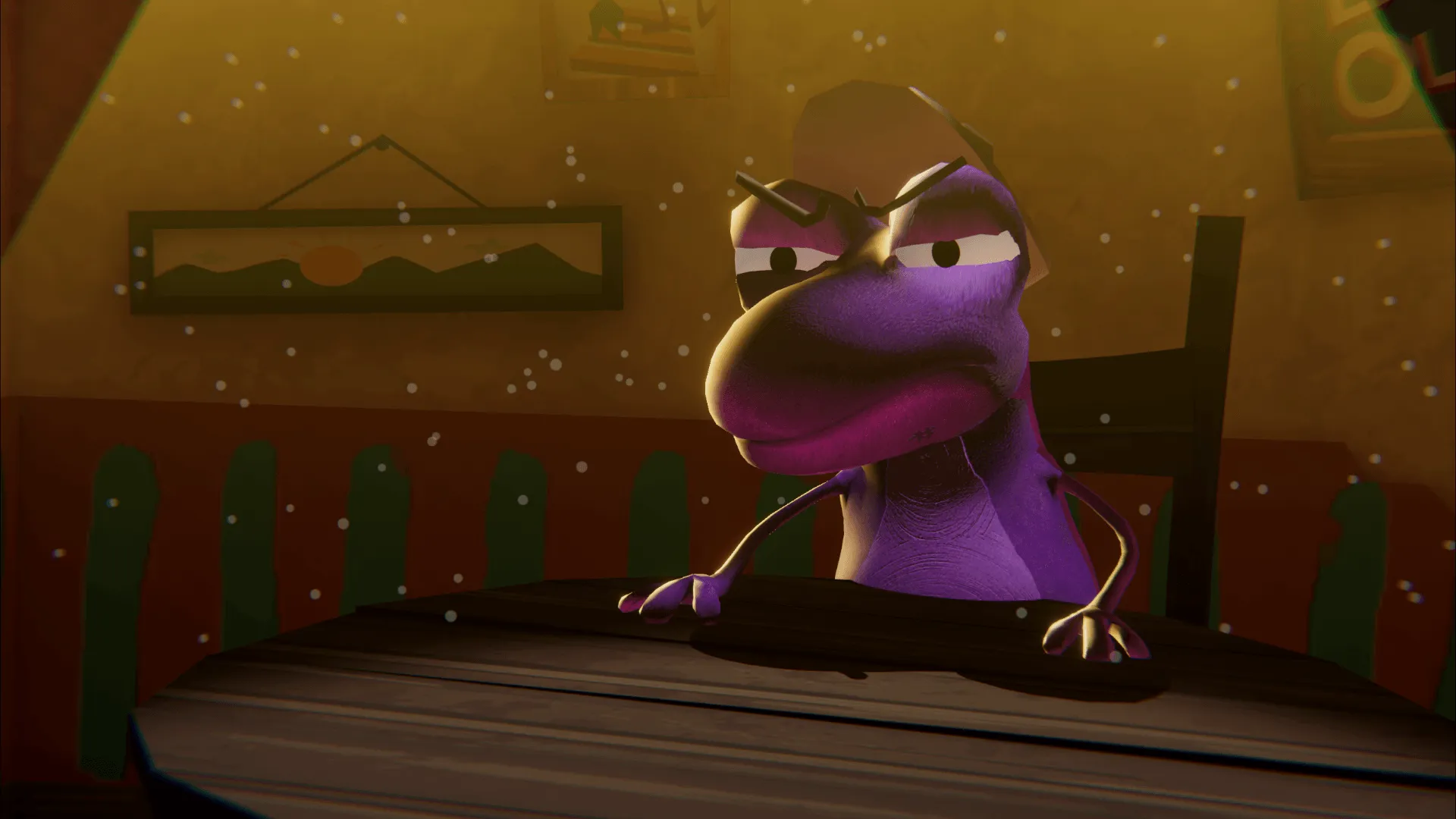
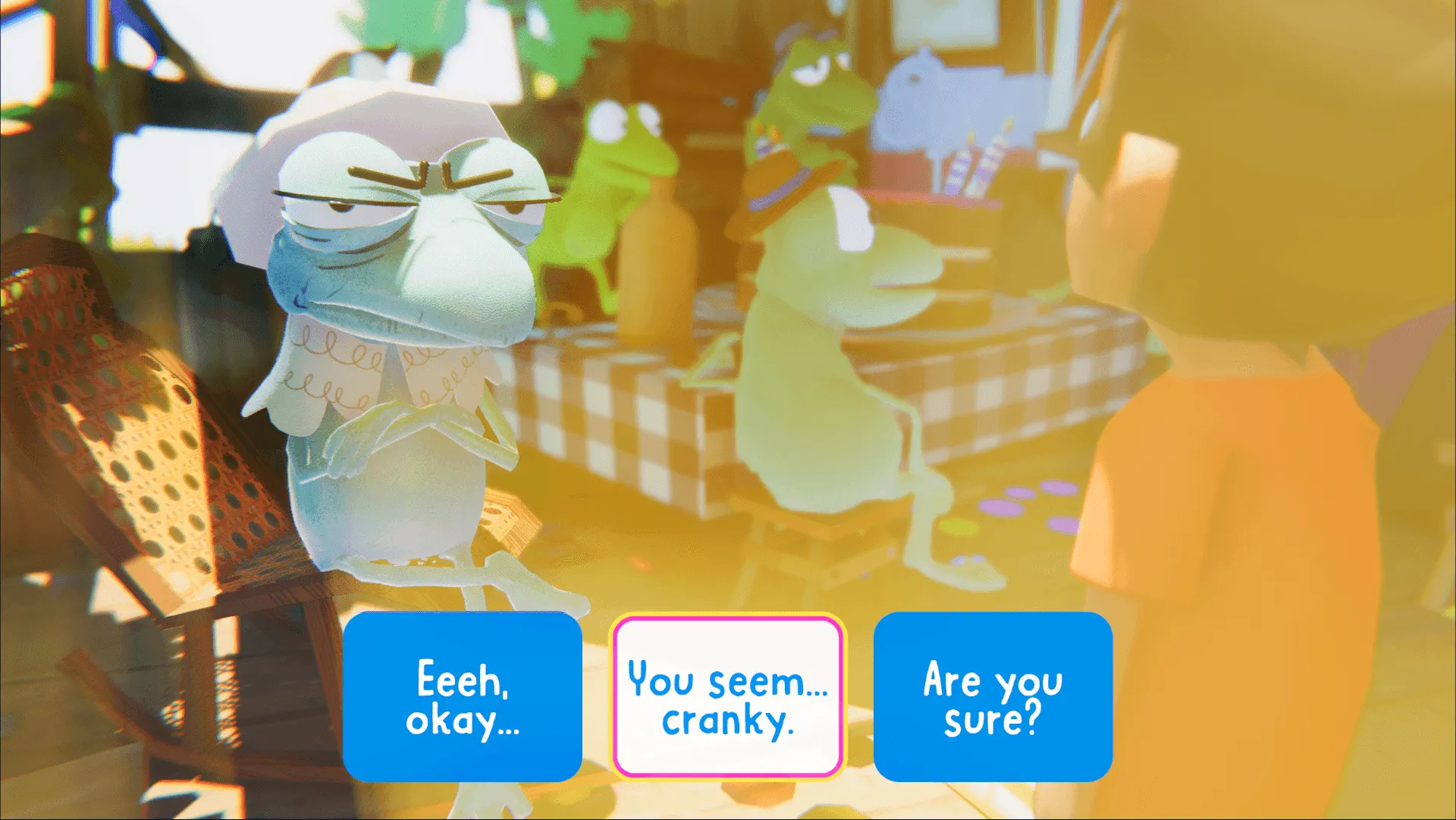
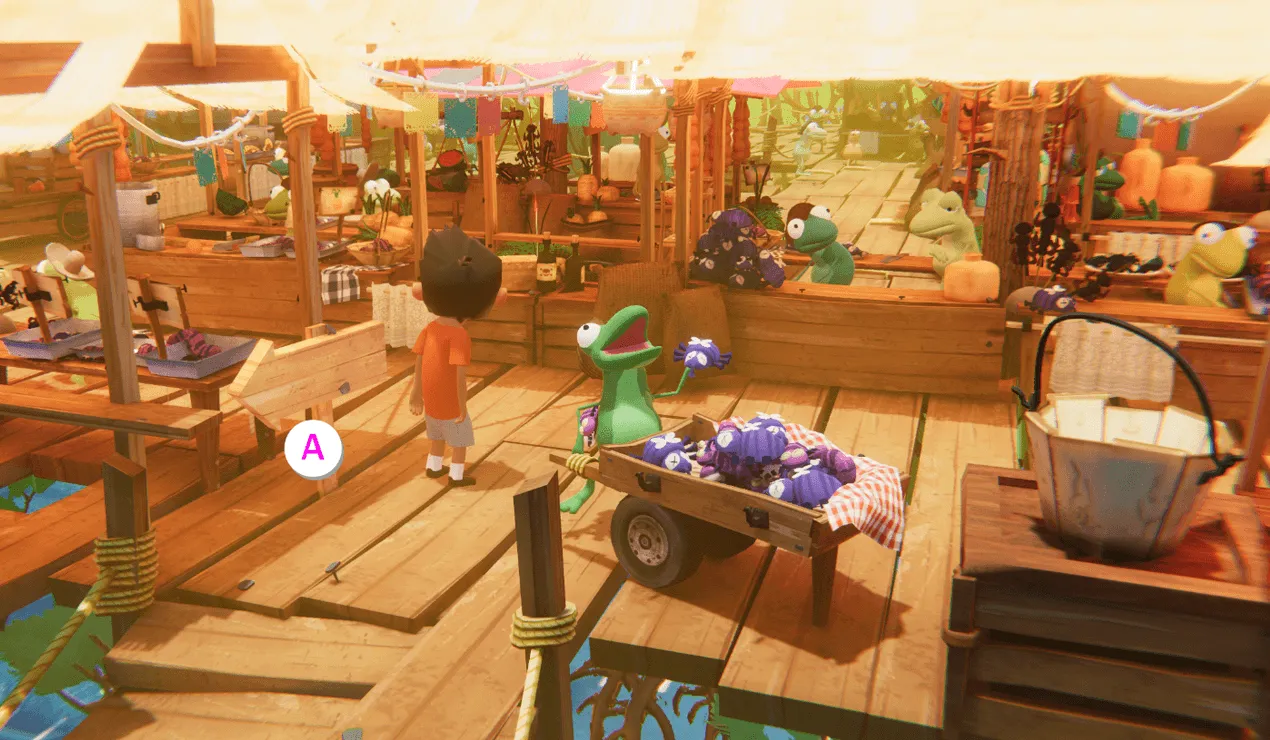
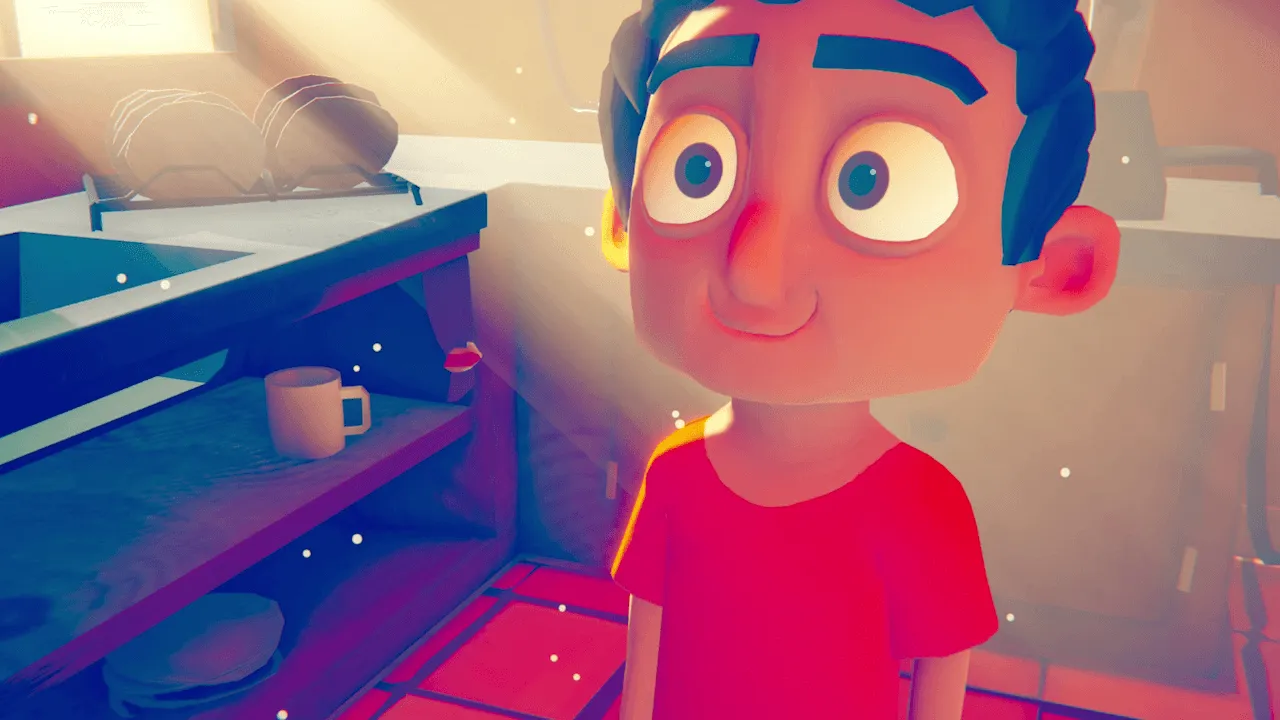
When Miho steps into the pantry to get a potato for his grandmother’s soup, he's pulled into a distant fantastical land where he must retrace the steps of a mysterious great traveler before him. He must venture through a world of endless deserts, floating mountains, and talking beasts, outsmarting thieves and meeting quirky characters along the way. But each time he returns to the kitchen with an ingredient, things have changed in unexpected ways…
Official store
Trusted. Transparent. Reliable.
Secure payment
Only verified payments methods










To activate a CD key on Steam, follow these steps:
If you encounter any issues during activation, please see this Retail CD Keys article for more info. If problems persist, you may contact Xsolla Customer Support at Xsolla Help Center.
What are the supported languages?
Interface: English, Spanish - Latin America, Spanish - Spain
Full Audio: N/A
Subtitles: English, Spanish - Latin America, Spanish - Spain
If you have any issues with your purchase, please email us at support@xsolla.com or simply click on the customer support button located on the bottom left of the homepage to start a live chat. In rare cases, it may take up to a few minutes for emails from Xsolla Mall to deliver.